Admit Card Not Downloading? 7 Fixes That Work
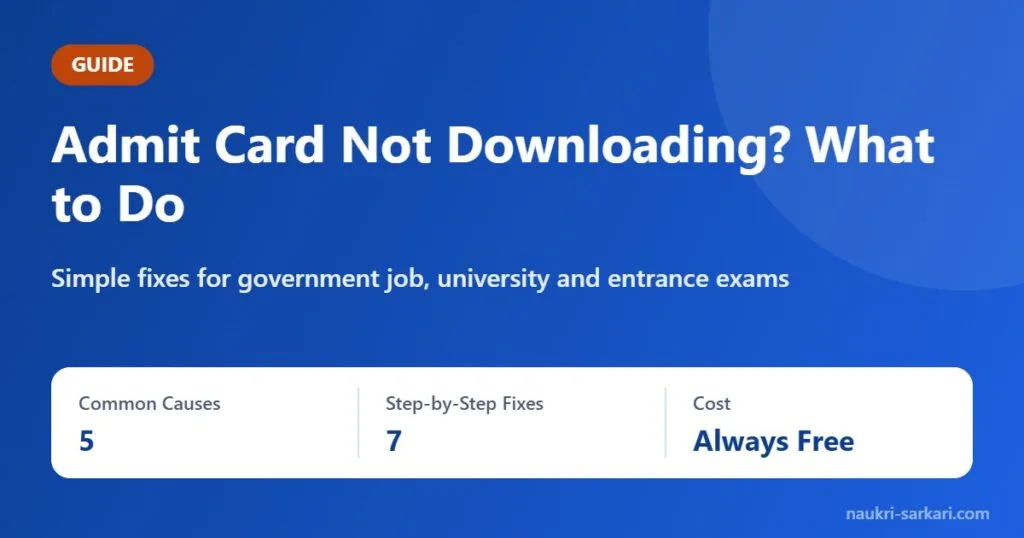
The admit card link is finally live, you enter your details, and nothing happens. Or the page keeps loading, or it says “invalid details”, or the PDF opens blank. If your admit card is not downloading, do not panic. In most cases the problem is small and can be fixed in a few minutes. This guide explains, step by step, what to do when an admit card is not downloading for a government job exam, a university exam or an entrance exam, and when you should contact the exam body.
This is especially useful right now, as many candidates will be downloading the UPPSC PCS Prelims 2026: District Slip 27 Nov, Admit Card 1 Dec in the coming days, and shortlisted bank candidates are preparing for the online test explained in IBPS PO XVI Personality Test 2026 on 30 Nov: Online Mode Details.
Why Your Admit Card Is Not Downloading
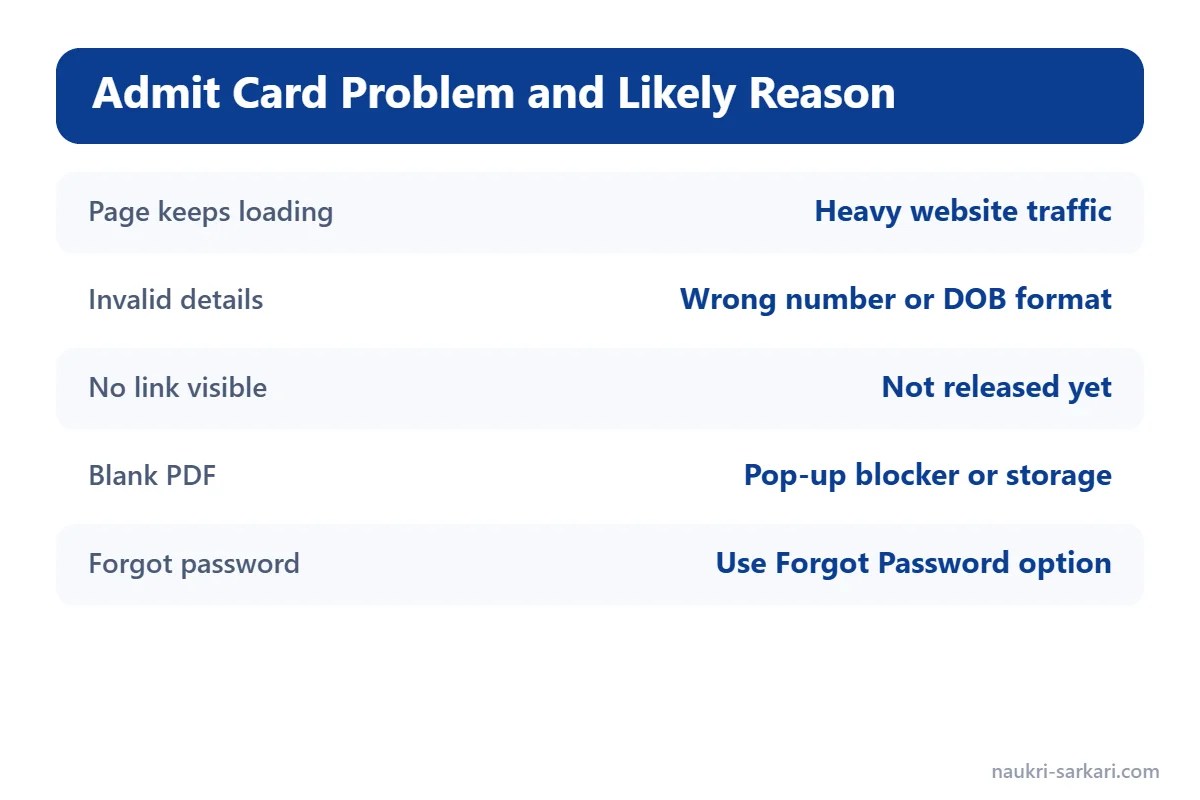
Before trying fixes, understand the usual reasons. Knowing the cause saves time.
| Problem you see | Most likely reason |
|---|---|
| Page keeps loading or shows a server error | Heavy traffic on the official website right after release |
| “Invalid registration number” or “record not found” | Wrong login details, wrong exam link, or wrong date of birth format |
| Link not visible at all | Admit card not released yet, or released only for some candidates or shifts |
| PDF opens blank or does not save | Browser pop-up blocker, PDF viewer issue or low phone storage |
| Forgot password | Password changed or not saved after registration |
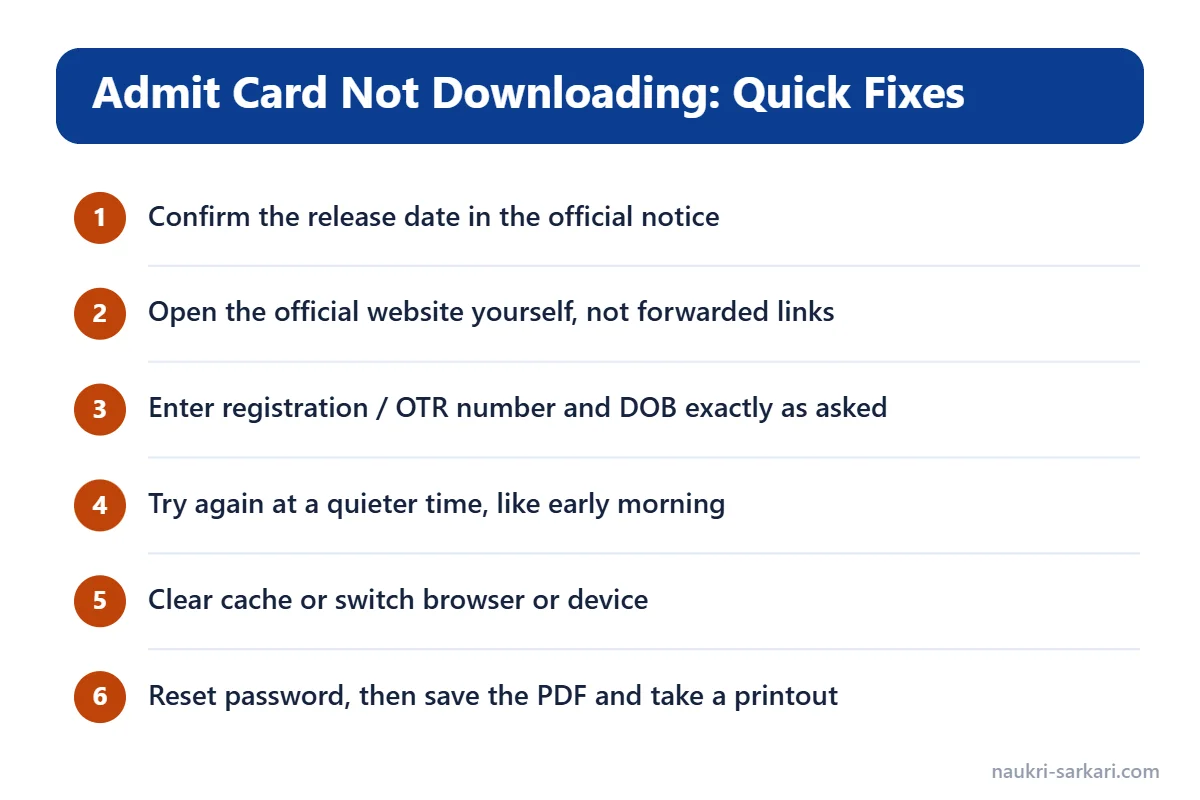
Admit Card Not Downloading: Step-by-Step Fixes
Try these steps in order. Most candidates solve the problem by step 3 or 4.
1. Check that the admit card is really out
Many notices give a date from which the admit card will be available. For example, UPPSC has said the PCS Prelims admit card will be available from 1 December 2026, while the district information slip comes earlier, from 27 November 2026. If you try before the release date, the link will not work. Always read the official notice first.
2. Use only the official website
Open the exam body’s official website yourself and find the admit card link there. Do not use links forwarded on social media or unknown sites, as they may be fake or outdated. On Naukri Sarkari, every admit card post links to the official website.
3. Enter your login details exactly
Most portals ask for a registration number, roll number, OTR number or application number, along with a password or date of birth. Check that you are using the right number for this exam, as many candidates mix up the OTR number and the application number. Type the date of birth in the exact format shown on the page (for example DD/MM/YYYY). Remove extra spaces before and after the number.
4. Try again at a quieter time
On the first day, lakhs of candidates try to download at once and the site slows down. If the page keeps loading, wait and try early in the morning or late at night. Do not keep refreshing every few seconds, as this makes the server even slower.
5. Change your browser or device
Clear the browser cache, or open the site in a different browser such as Chrome, Edge or Firefox. If you are on a phone, try a laptop or desktop. Turn off pop-up blockers for the official site, because some admit cards open in a new tab.
6. Reset your password
If you forgot your password, use the “Forgot Password” option on the login page. The reset link or OTP usually goes to your registered mobile number or email ID, so keep those handy.
7. Save the PDF properly
If the admit card opens but does not save, use the download icon or “Print” and choose “Save as PDF”. Make sure your phone or computer has enough free storage. Take a printout as soon as you can.
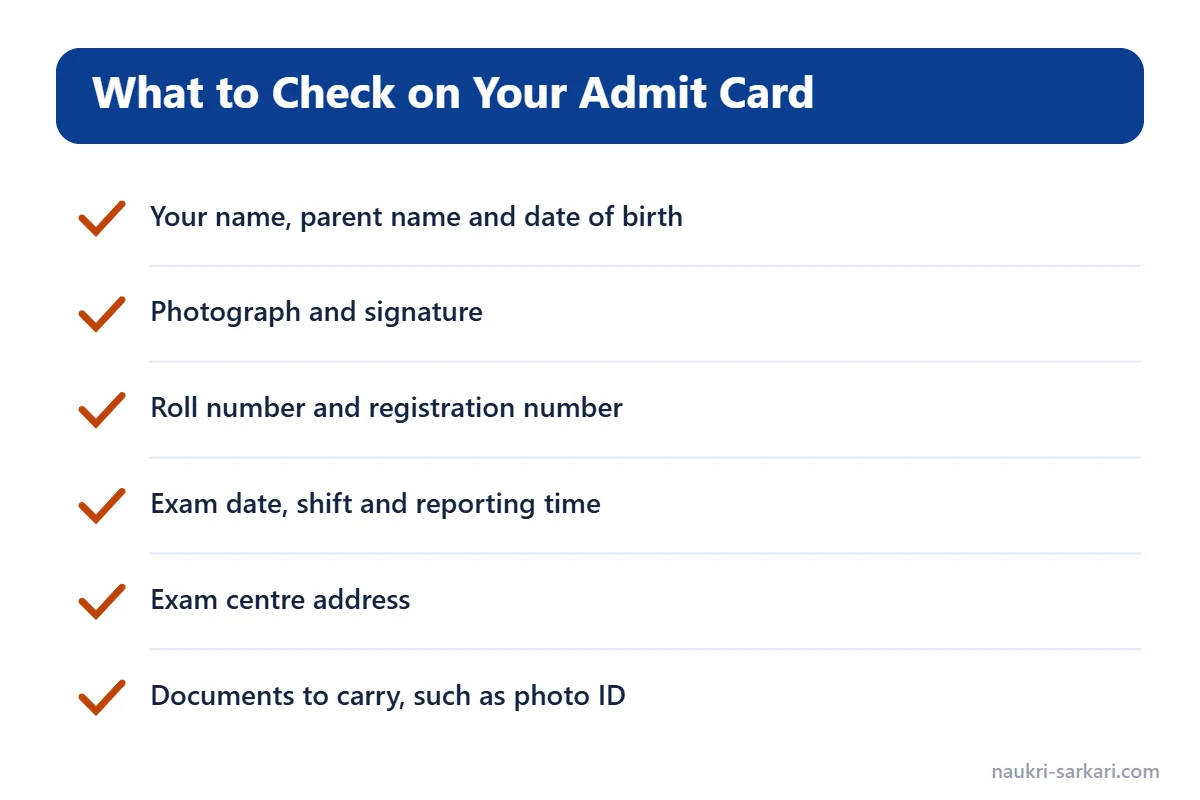
What to Check After the Admit Card Downloads
Once you have the admit card, check every detail carefully before exam day:
- Your name, father’s or mother’s name and date of birth
- Your photograph and signature
- Roll number and registration number
- Exam date, shift, reporting time and gate closing time
- Exam centre address
- Instructions on documents to carry, such as photo ID and photographs
If anything is wrong, contact the exam body at once through the helpline or email given in the official notice.
When to Contact the Exam Body
Contact the conducting body if the admit card does not download even after trying all the steps above, if the site says your application was rejected without reason, or if there is a mistake in your details. Use only the helpline number, email ID or grievance portal given in the official notice. For example, IBPS asks candidates to raise queries through its portal cgrs.ibps.in. Write your registration number, name, exam name and a short description of the problem in every message.
Common Mistakes to Avoid
- Waiting until the last day to download the admit card
- Using a cyber cafe or agent and sharing your password with them
- Paying anyone to “get” your admit card. Admit cards are always free on the official website.
- Not checking spam folders for emails from the exam body
- Carrying only a soft copy when the notice asks for a printout
Where to Find Admit Card Updates
Naukri Sarkari publishes admit card news with direct official links on the Admit Card page. For university and board exams, check our daily roundup, such as University & Board Exam Updates: 26 November 2026. If you have not yet created your registration on a commission’s portal, read our One Time Registration for Government Jobs: Complete Guide, and for teacher eligibility exams see HP TET November 2026 Admit Card Out for TGT Arts & JBT. For upcoming exams, browse the Latest Jobs page.
Frequently Asked Questions
Why is my admit card not downloading on the first day?
Usually because of heavy traffic on the official website. Wait for some time and try again at a quieter hour, such as early morning.
What should I do if it says invalid registration number?
Check that you are on the correct exam link and are using the right number (registration, application or OTR number). Enter the date of birth in the exact format shown.
Can I get my admit card by email?
That depends on the exam body. Most exams require you to download it from the official website. Follow the official notice for your exam.
Is a district information slip the same as an admit card?
No. A district slip, like the one UPPSC releases before its admit card, only tells you the district of your centre. You still need the admit card to enter the exam.
Do I need to pay to download my admit card?
No. Admit cards are free on the official website. Never pay anyone who claims they can send you your admit card.
What if my photo is missing on the admit card?
Contact the exam body using the helpline in the official notice and follow their instructions.