How to Challenge an Answer Key Online: Step-by-Step Guide
Knowing how to challenge an answer key can make a real difference to your result. After most government recruitment exams, teacher eligibility tests and entrance exams, the conducting body first releases a provisional answer key and gives candidates a short window to raise objections. If you find an answer that is clearly wrong and you challenge it in time with proper proof, the board can correct it before the final result is prepared.
Many candidates miss this chance because the window is short, the process looks technical, or they do not know what proof to upload. This guide explains the whole process in simple steps, the documents and fee you usually need, and the mistakes that get objections rejected.
What Is a Provisional Answer Key?
A provisional answer key is the first list of correct answers published by the exam body after the test. It is called provisional because it is not final yet. Candidates can compare their responses with it, estimate their score and report any answer they think is wrong.
After the objection window closes, a committee of subject experts reviews every challenge. If a challenge is accepted, the key is corrected, a question may be dropped, or more than one option may be accepted. The final answer key is then used to prepare the result. Usually no objection is accepted against the final key.
For example, the Board of Secondary Education, Odisha took online challenges on the provisional OSSTET 2026 keys and then released the final scoring key along with the OSSTET Result 2026 Out: Download Link, Final Answer Key & OMR.
How to Challenge an Answer Key Online: Step-by-Step
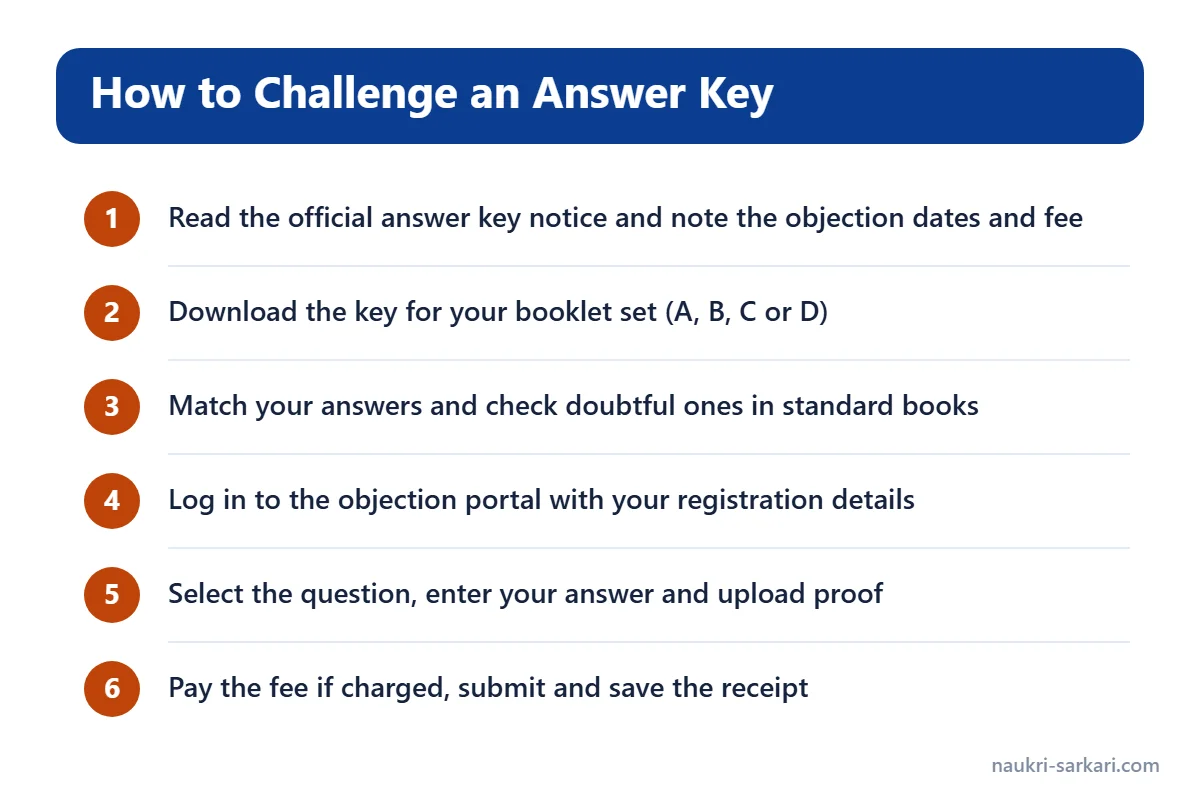
The exact screens differ from one exam body to another, but the steps below cover almost every online objection system.
Step 1: Read the official answer key notice
Open the official website and read the notice that comes with the answer key. Note the start and end date of the objection window, the fee per question, the mode (online only, in most cases) and what proof is accepted. If the notice and the portal ever seem to show different dates, follow the official notice and complete your objection as early as you can.
Step 2: Download the key for your set
Many exams have more than one question booklet set (A, B, C, D). Download the key for the set code printed on your question booklet or admit card. Comparing with the wrong set is one of the most common mistakes.
Step 3: Match your answers
Use your question paper, your carbon copy or the response sheet or OMR copy shown on the portal. Mark every question where your answer and the official answer differ.
Step 4: Check the doubtful answers properly
Do not challenge an answer just because it cost you marks. Check it in standard textbooks such as NCERT books, official government publications or the syllabus reference books. Only challenge answers where you are confident the key is wrong.
Step 5: Log in to the objection portal
Log in with the details asked, usually your registration number or application number and password or date of birth. For instance, the Uttarakhand Board asks D.El.Ed. Entrance Exam 2026 candidates to log in to ukdeled.com with their registration ID and password to file objections.
Step 6: Select the question and enter your answer
Choose the question number (for your set), select the option you believe is correct and write a short, clear reason.
Step 7: Upload proof
Upload a scanned page or PDF of the source that supports your answer. Write the book name, edition and page number on it if you can. Keep the file within the size limit given on the portal.
Step 8: Pay the fee and submit
Pay the objection fee online if the exam charges one. Fees are usually charged per question. As an example, the OSSTET 2026 notice fixed Rs. 500 for each response challenged. Some bodies refund the fee if the objection is accepted, so read the notice.
Step 9: Save the receipt
Download or print the acknowledgement and payment receipt. Keep it until the final result is out.
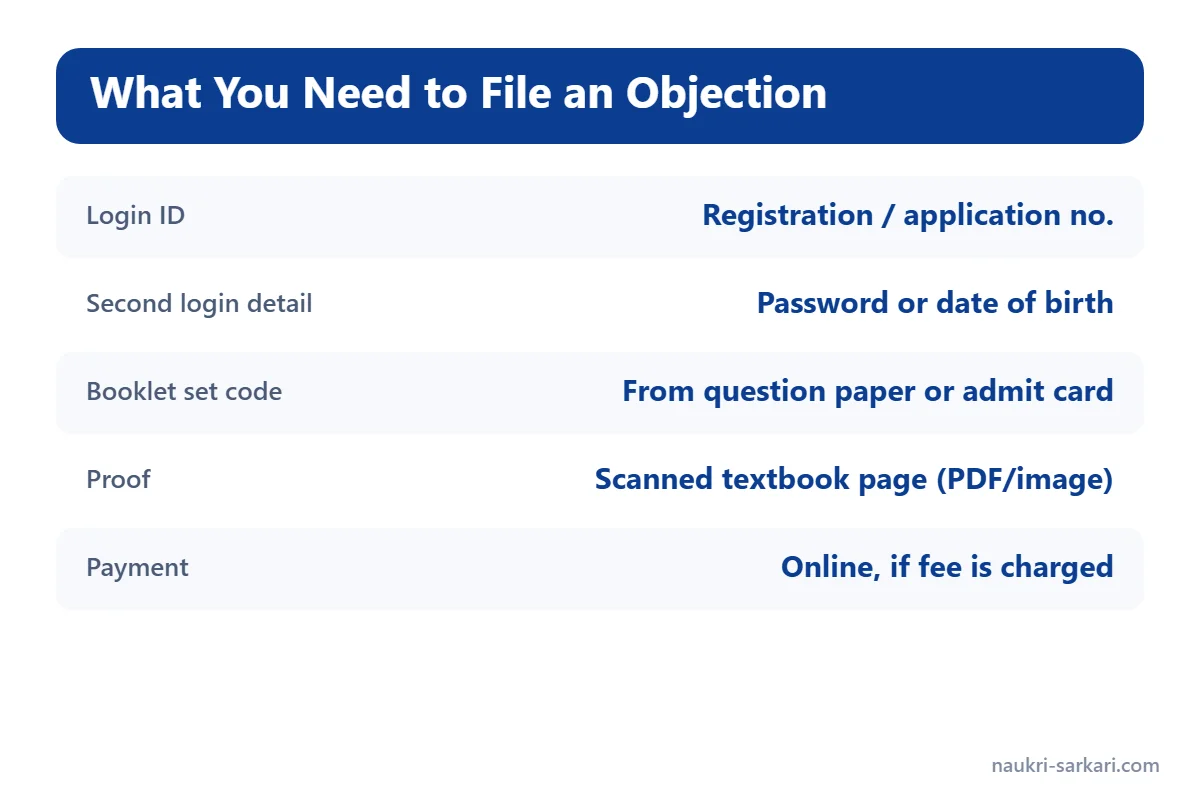
Documents and Details You Need
| Item | Why you need it |
|---|---|
| Registration or application number | To log in to the objection portal |
| Password or date of birth | Second login detail on most portals |
| Question booklet set code | To pick the right answer key and question numbers |
| Scanned proof (PDF or image) | To support your claim |
| Online payment method | To pay the per-question fee, where charged |
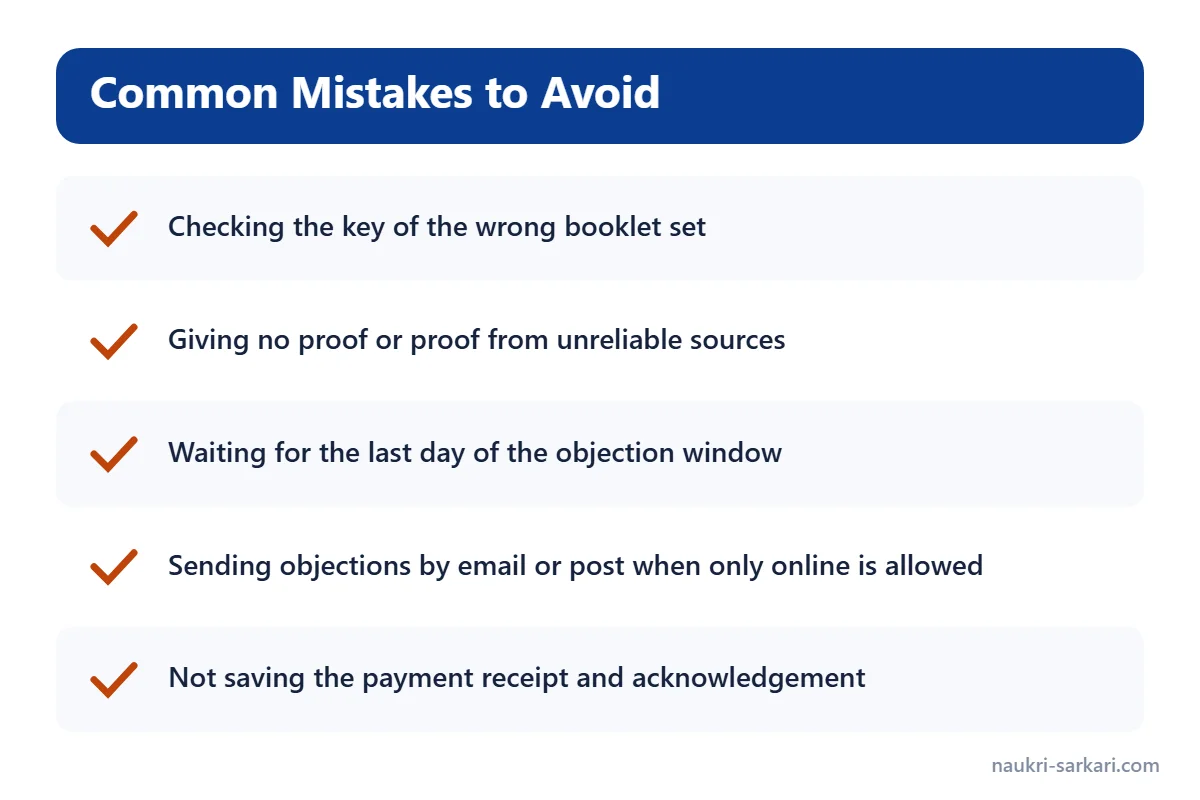
Common Mistakes That Get Objections Rejected
- Challenging the key of the wrong booklet set.
- Giving no proof, or proof from an unreliable website or coaching notes.
- Waiting for the last day, when the portal is slow.
- Sending objections by email, post or in person when the notice says online only.
- Entering the wrong question number while filling the form.
- Not saving the payment receipt.
What Happens After You Challenge the Answer Key?
The expert committee checks each objection. Its decision is usually final and individual replies are not sent. Once the review is complete, the final key is published and the result is prepared from it. In recruitment exams, the result may also come with category-wise cut-off marks, as in the UPSSSC Excise Constable Result 2026 Out: 2591 Shortlisted for PET. Earlier, UPSSSC had issued revised keys for several mains exams, explained in UPSSSC Revised Answer Key 2026 Out for 5 Mains Exams: Download PDF.
If your exam was held in many shifts, your final marks may also be normalised. Read Normalisation of Marks in Government Exams: How It Works to understand that step.
How Can I Know if My Objection Was Accepted?
Compare the provisional key with the final key. If the answer to your question has changed, or the question has been dropped, your objection (or someone else’s on the same question) was accepted. Most exam bodies do not reply to each candidate separately.
Where to Find Answer Keys and Objection Windows
We list new answer keys on our Answer Key page and results on the Result page. University and board answer keys and notices are also listed in our daily roundup, for example University & Board Exam Updates: 23 November 2026. School students can also check the PSEB Exam Date 2027 Out: Class 8, 10, 12 Board Exam Schedule for their board exam plan.
FAQs
Can I challenge the answer key offline?
Usually not. Most exam bodies accept objections only through their online portal, and the notice clearly says that other modes will not be accepted.
Is there a fee to challenge an answer key?
Many exams charge a fee for each question challenged, while some do not charge anything. The amount is given in the answer key notice.
Can I challenge the final answer key?
Generally no. The final key is prepared after reviewing objections and is used for the result.
What proof should I upload?
Upload a page from a standard textbook or official source that clearly supports your answer, with the book name and page number.
Will I get a reply to my objection?
Most exam bodies do not send individual replies. Check the final answer key to see whether the answer was changed.