Document Verification for Government Jobs: Full Checklist
Clearing a written exam is a big step, but it is not the last one. Almost every recruitment ends with document verification for government jobs, where the board checks that everything you wrote in your application form is true and that you meet the eligibility rules. Many candidates lose a hard-earned selection at this stage simply because a certificate was missing, a date did not match or an upload was late.
This guide explains how document verification works, what is an e-dossier, which documents you should keep ready, and the common mistakes that you can easily avoid.
What Is Document Verification in Government Jobs?
Document verification (often called DV) is the stage where the recruiting body checks your original certificates against the details you gave in your online form. It is usually held after the written exam, skill test or interview, and before the final merit list or appointment.
The board checks things like your educational qualification, date of birth, category, experience and any special status you claimed. If a claim cannot be proved with a valid document, the board can reject your candidature, even if your marks are high.
Physical DV vs Online E-dossier
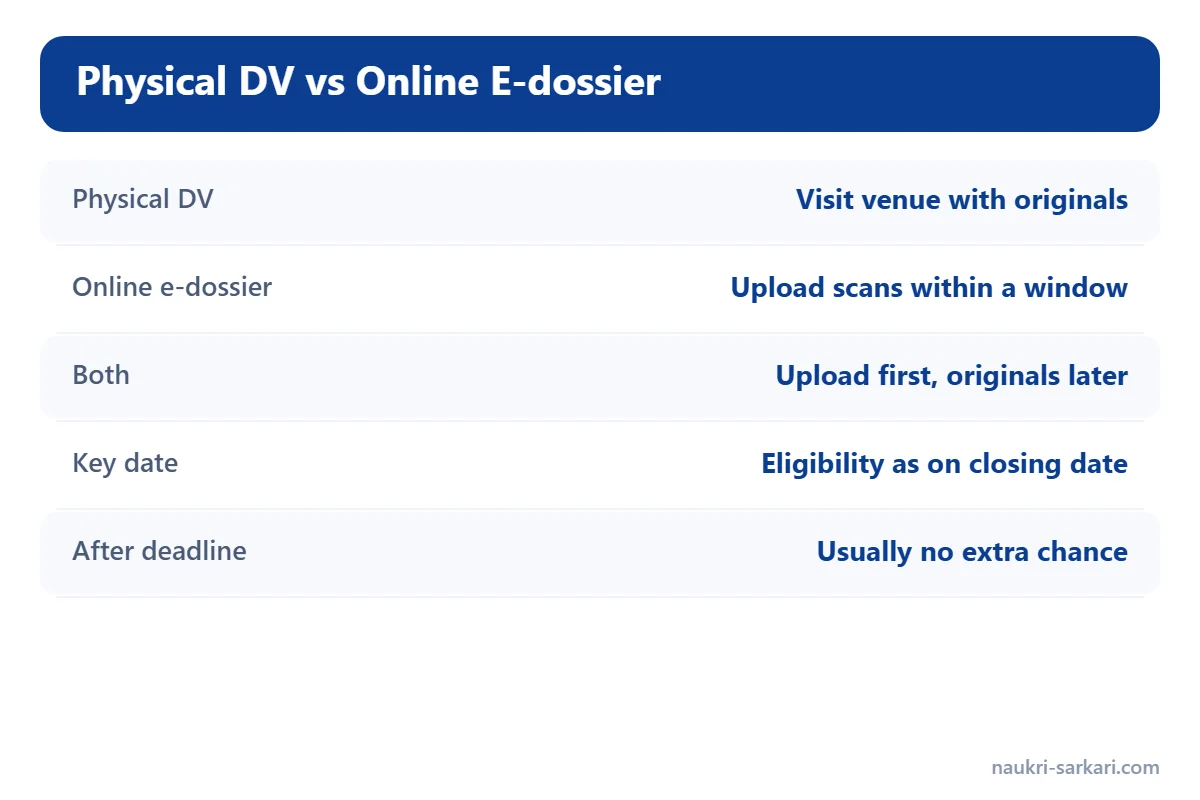
Today, document verification happens in two main ways:
| Type | How it works | What you need to do |
|---|---|---|
| Physical DV | You visit an office or venue on a fixed date with original documents. | Carry originals, self-attested photocopies and photos. |
| Online e-dossier | You upload scanned documents on the board’s portal within a fixed window. | Scan documents clearly and upload before the last date. |
| Both | Online upload first, physical check of originals later. | Keep originals safe even after uploading. |
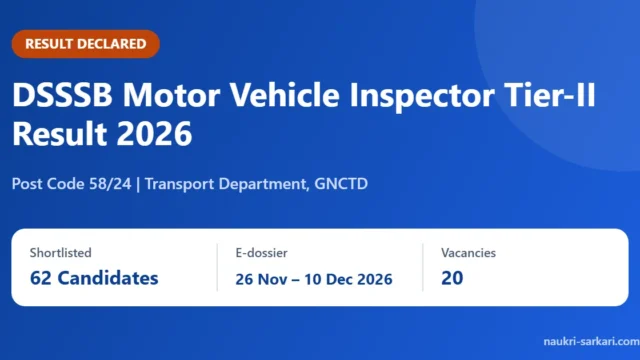
A good example is the DSSSB Motor Vehicle Inspector Result 2026 Out: 62 Shortlisted, where shortlisted candidates must upload their e-dossier within a fixed window, and the notice clearly says that no further chance will be given after the deadline.
What Is an E-dossier and How Do You Upload It?
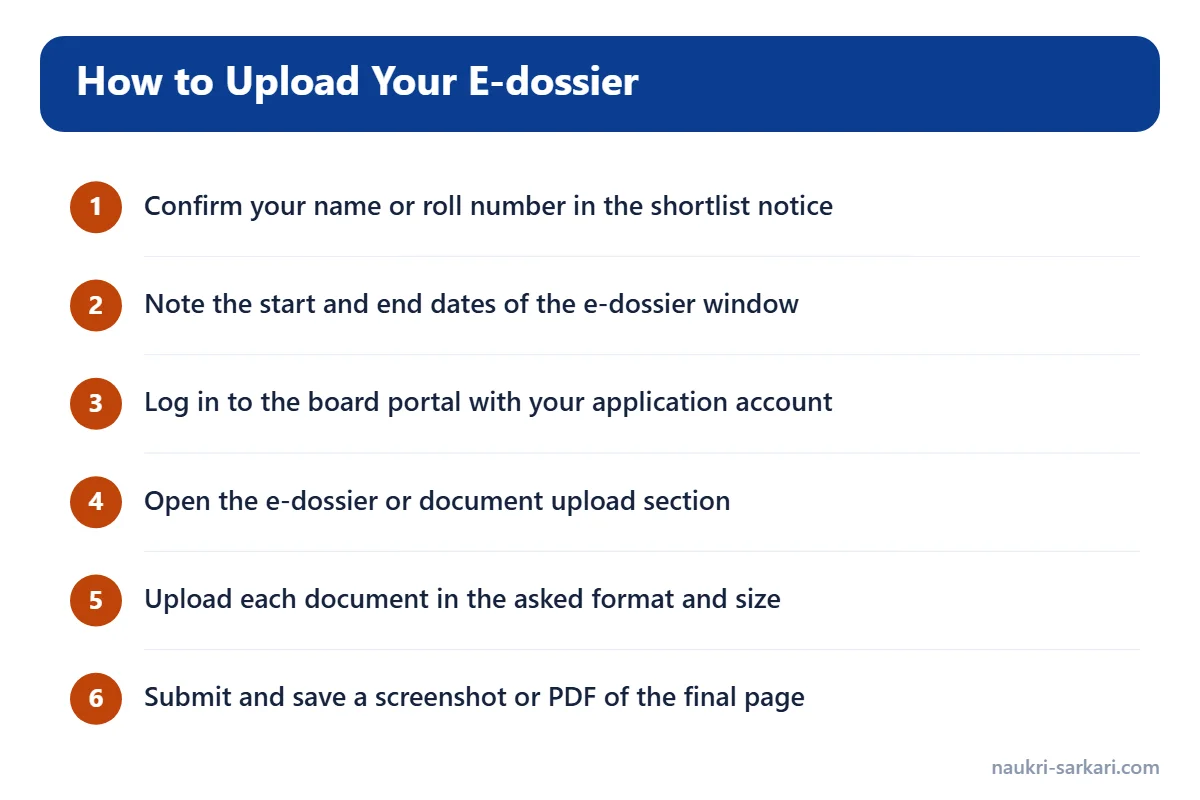
An e-dossier is simply an online file of your documents. Boards such as DSSSB ask shortlisted candidates to log in to their account and upload scanned copies of their certificates. The general process looks like this:
- Check the result or shortlist notice to confirm that your name or roll number is on the list.
- Note the start and end dates of the e-dossier window.
- Log in to the board’s portal with the same account you used to apply.
- Open the e-dossier or document upload section.
- Upload each document in the format and size the portal asks for.
- Check the preview, submit, and save a screenshot or PDF of the final page.
If the portal gives an error, take screenshots at once and report it through the helpdesk method given in the notice. Many boards accept complaints only within a short time.
Documents Required for Document Verification
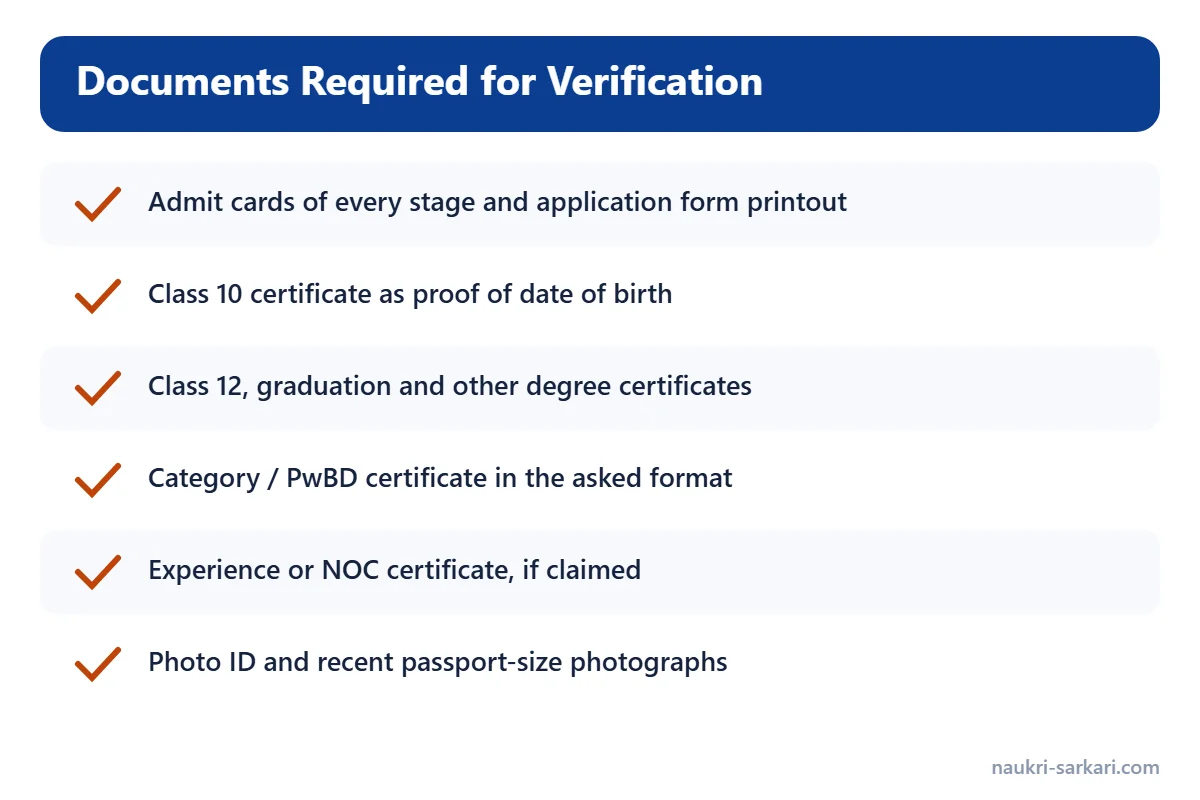
The exact list depends on the post, but the following documents are asked for in most recruitments. Keep them in one folder, both as originals and as clear scans:
- Admit cards of every stage you appeared in
- Printout of the online application form and fee receipt
- Class 10 certificate or mark sheet as proof of date of birth
- Class 12, graduation and other degree certificates with mark sheets
- Category certificate (SC, ST, OBC, EWS) in the format the notice asks for
- Disability certificate, if you applied as a PwBD candidate
- Experience certificate, if the post needs experience
- Ex-serviceman or government employee proof / NOC, if you claimed it
- Photo ID such as Aadhaar card, voter ID or PAN card
- Recent passport-size photographs, same as in the form
For walk-in recruitments, the same documents are needed on the interview day itself. Our guide on Walk-in Interview for Government Jobs: Documents & Tips covers that case, and you can see a live example in the CRPF Specialist Medical Officer Walk-in 2026: 19 Posts.
Which Date Matters for Eligibility?
This is one of the most misunderstood points. Most notifications say that you must meet the eligibility conditions as on the closing date of the application, or on another “crucial date” written in the notice. This means:
- Your degree result should normally be declared by that date, unless the notice allows otherwise.
- Your category certificate should be valid as per the rules in the notice.
- Your age is counted on the date fixed in the notice, not on the DV date.
Always read the eligibility section of your own notification. If the board’s notice gives a specific date, that date decides everything.
Common Mistakes to Avoid During Document Verification
- Missing the deadline. Most e-dossier windows are short. Upload in the first few days, not on the last night.
- Name or date mismatch. Your name and date of birth should match across the form, Class 10 certificate and ID proof.
- Wrong category certificate format. Central government posts and state posts may need different formats. Check the notice.
- Blurry scans. Scan in good light and check that every word is readable before uploading.
- Claiming something you cannot prove. If you ticked a category or experience box in the form, you must show the document for it.
- Losing the application printout. Save a PDF of your form as soon as you apply. Our guide on How to Fill a Government Job Online Form: Step-by-Step Guide explains how to fill and save the form correctly from the start.
How to Prepare for Document Verification Early
The best time to prepare is when you fill the application form, not when the result comes. Make one folder on your phone or computer and one physical file. Keep scans of all certificates in it, named clearly (for example, “class10-certificate.pdf”). Renew certificates that have a validity period well before the result is expected.
Even for exams that are only a step towards a job or a fellowship, such as the UGC NET December 2026 Exam Date Out: Subject-wise Schedule, it helps to keep your degree certificates and category documents ready, because universities and colleges will ask for them later.
To keep track of new shortlists and DV notices, follow our Result and Latest Jobs pages.
FAQs on Document Verification for Government Jobs
Is document verification a guarantee of selection?
No. Being called for DV or e-dossier upload only means you are in the zone of consideration. Final selection depends on merit, vacancies and your eligibility.
What if I miss the e-dossier upload date?
Many boards clearly say that no further chance will be given and the candidature will be cancelled. Always upload well before the last date.
Do I need originals if I already uploaded the e-dossier?
Usually yes. Boards or the appointing department may check the originals later, so keep them safe.
Can I submit a document that was issued after the closing date?
It depends on the rules in your notice. Some notices accept certain certificates issued later, while others do not. Read the eligibility section carefully.
What should I do if the upload portal shows an error?
Take screenshots immediately and report the problem through the helpdesk e-mail or method given in the official notice, within the time it allows.