How to Fill a Government Job Online Form: Step-by-Step Guide
Every week new sarkari job notifications come out, and most of them have to be applied for online. Many good candidates still lose their chance because of small errors in the form – a wrong date of birth, a blurred signature, the wrong category or a fee that did not go through. This guide explains how to fill a government job online form step by step, what to keep ready before you start, and the mistakes you should avoid.
The steps below are general and work for most central and state recruitment portals. Always follow the instructions in the official notification of the post you are applying for, because every organisation has its own rules.
Before You Start: Read the Official Notification
The notification (also called the advertisement) is the most important document. Before opening the form, read it fully and note down:
- The advertisement number and the exact post name or post code.
- The last date to apply and the last date for fee payment, if different.
- The essential qualification and the date on which you must hold it (often the closing date).
- The age limit, the date on which age is counted, and the relaxation for your category.
- The application fee for your category and the payment modes allowed.
- The size and format rules for the photo, signature and other uploads.
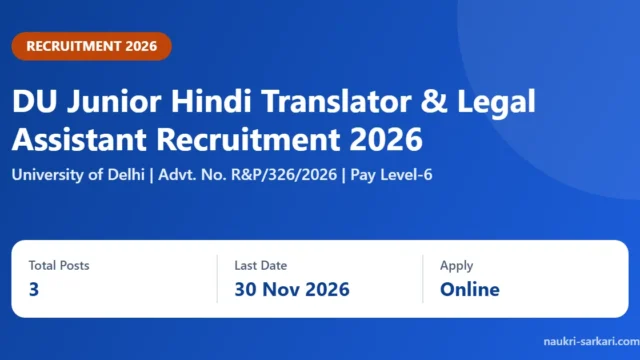
Also check whether a corrigendum or date extension has been issued. For example, Delhi University extended the last date of several advertisements to 30 November 2026, as explained in our posts on DU TGT & Primary Teacher Vacancy 2026 and DU Junior Hindi Translator & Legal Assistant Recruitment 2026.
Documents Required for a Government Job Online Form
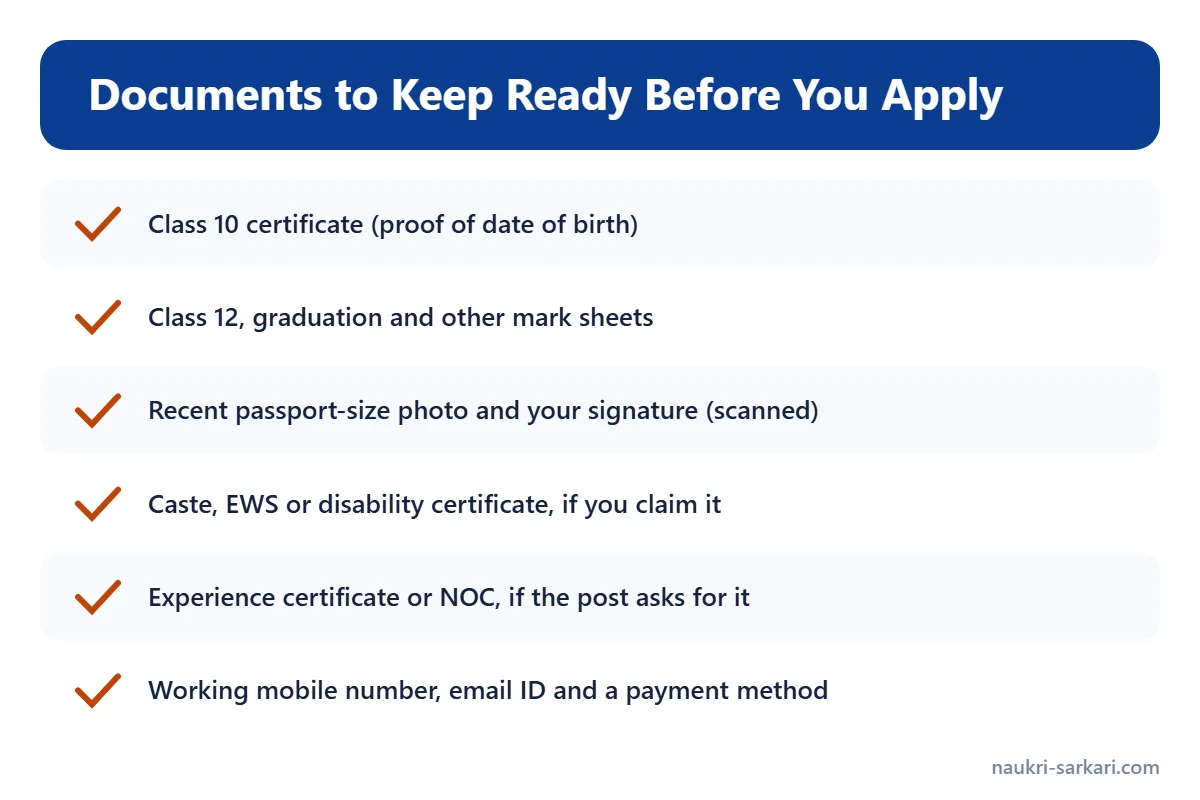
Keep scanned copies and the originals near you before you start. The exact list depends on the post, but these are needed in most forms:
- Class 10 certificate – most forms use it as proof of date of birth, so your name and date of birth should match it exactly.
- Class 12, graduation and other mark sheets – for percentage, year of passing and roll numbers.
- Photograph and signature – a recent passport-size photo and your signature, scanned in the size given in the notification.
- Category certificate – SC, ST, OBC (non-creamy layer), EWS or disability certificate, if you are claiming reservation. Many notifications fix a date range for these; for instance, DU’s 2026 advertisements ask for OBC (NCL) and EWS certificates issued on or after 1 April 2026.
- Experience certificate or NOC – if the post needs work experience, or if you already work in a government office or PSU.
- A working mobile number and email ID – all messages, admit cards and results usually come here, so use your own, not a cyber café number.
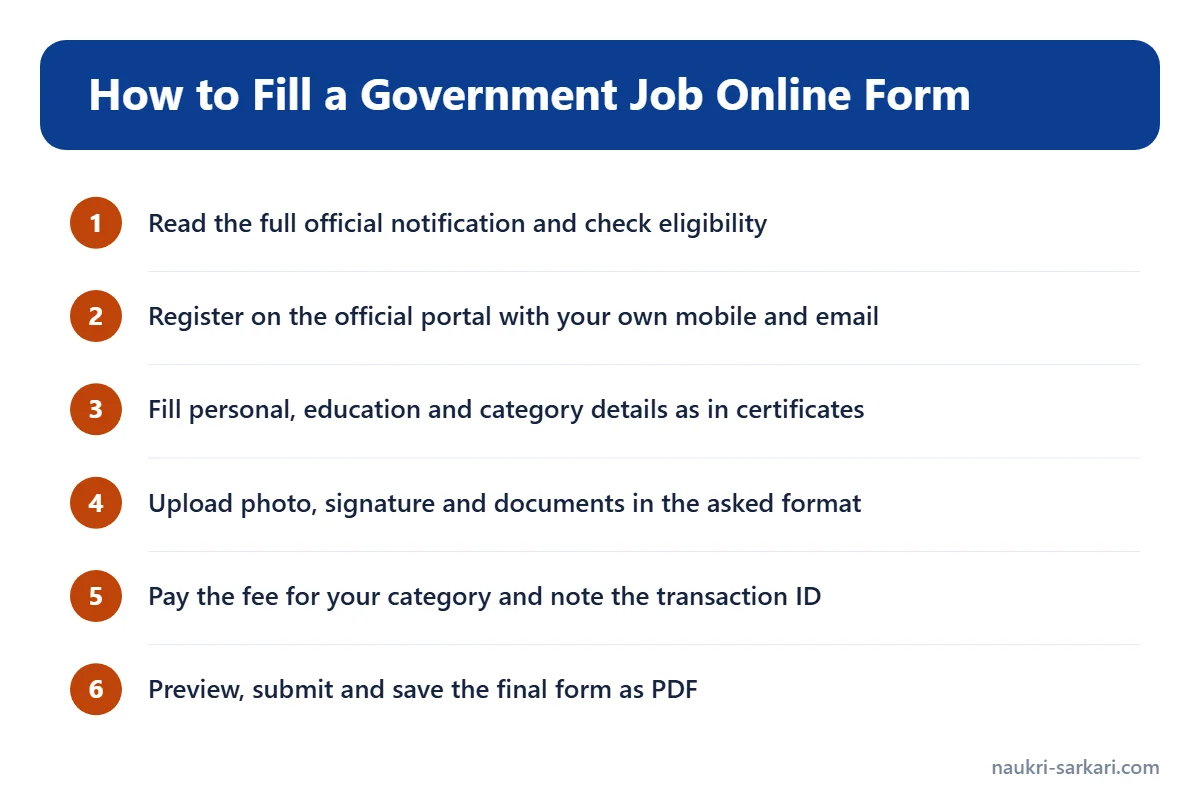
How to Fill a Government Job Online Form: Step by Step
Step 1: Open the official website only
Use the link given in the notification or on the organisation’s own website. Avoid look-alike sites. On naukri-sarkari.com, every job post lists the official apply link in its Important Links section.
Step 2: Register or create your account
Most portals first ask for a one-time registration with name, date of birth, mobile number and email. You get a registration number or user ID and a password. Write these down safely; you will need them for the admit card and result later.
Step 3: Fill in personal and category details
Enter your name, father’s and mother’s names and date of birth exactly as in your Class 10 certificate. Select your category, sub-category (PwBD, ex-serviceman and so on) and domicile carefully. Claim a category only if you have a valid certificate for it.
Step 4: Enter educational qualifications
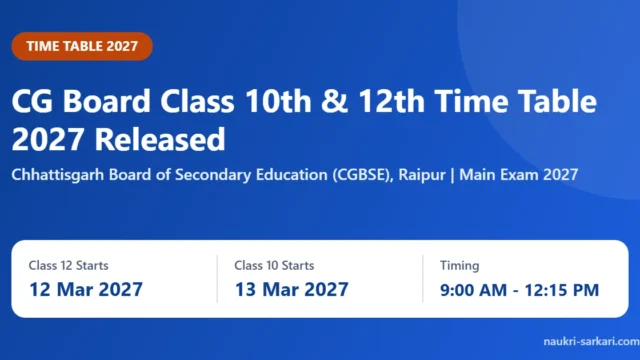
Fill the board or university name, year of passing, marks obtained and maximum marks, or the CGPA, as asked. If the form asks for a percentage, use the method given in the notification. Students still in school can check notices such as CG Board Time Table 2027 Out: Class 10th, 12th Exam Dates to plan which exams and results will be complete before a job’s closing date.
Step 5: Upload photo, signature and documents
Resize your files to the exact size and format (JPG, PDF and so on) mentioned. The photo should be clear and recent, and the signature should be in your normal handwriting, not in capital letters, unless the notification says otherwise.
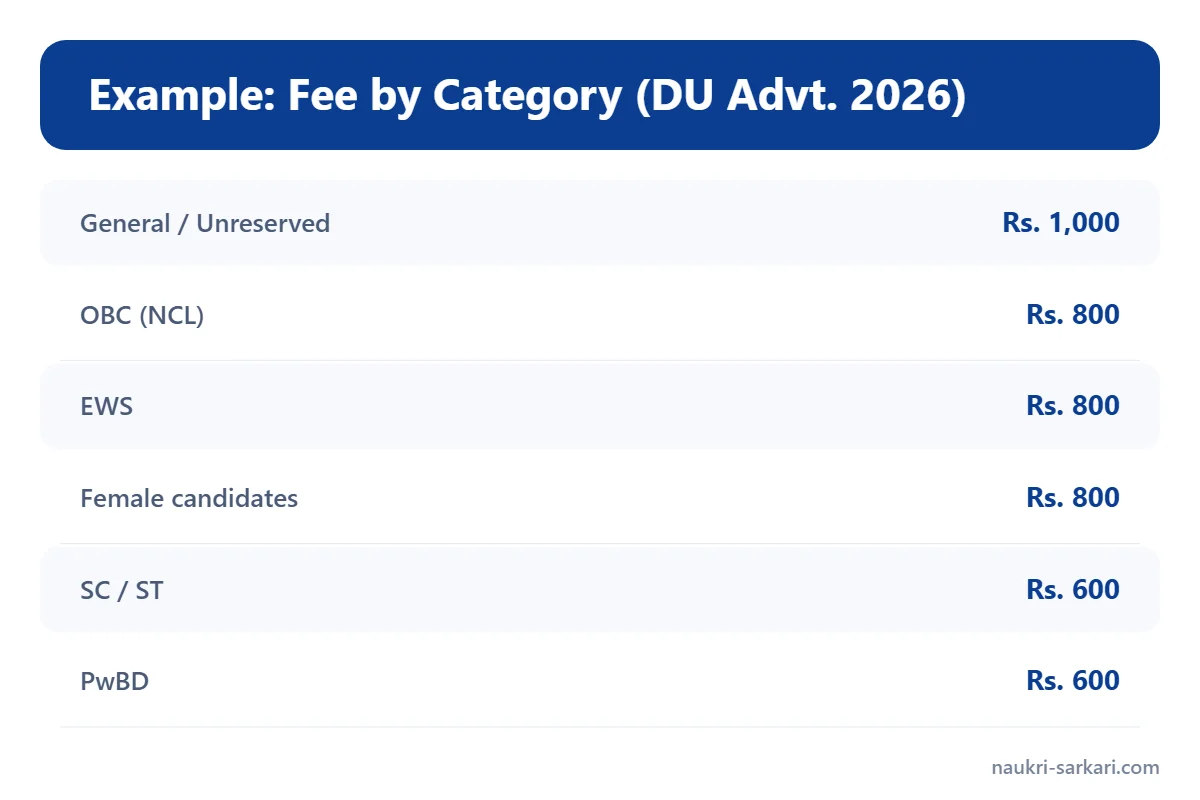
Step 6: Pay the application fee
Pay the fee for your category through the modes allowed – usually net banking, debit or credit card or UPI. Fees differ by category. As an example, the table above shows the fees in a 2026 Delhi University advertisement. Save the transaction ID and check that the payment status shows as successful before you close the page.
Step 7: Preview, submit and save
Use the preview option to check every field once more. After final submission, most portals do not allow changes, or allow them only in a fixed correction window. Download the final form as a PDF and take a printout.
Common Mistakes to Avoid in Sarkari Job Forms
| Mistake | What to do instead |
|---|---|
| Applying on the last day | Apply a few days early; portals often slow down near the deadline. |
| Name or date of birth different from Class 10 certificate | Copy them exactly from the certificate. |
| Claiming a category without a valid certificate | Check the certificate’s date and format against the notification. |
| Blurred photo or signature | Scan in good light and follow the size limits. |
| Not checking fee status | Make sure the payment shows as successful and save the receipt. |
| Using someone else’s mobile number or email | Use your own so you do not miss admit card and result updates. |
What Happens After You Submit the Form?
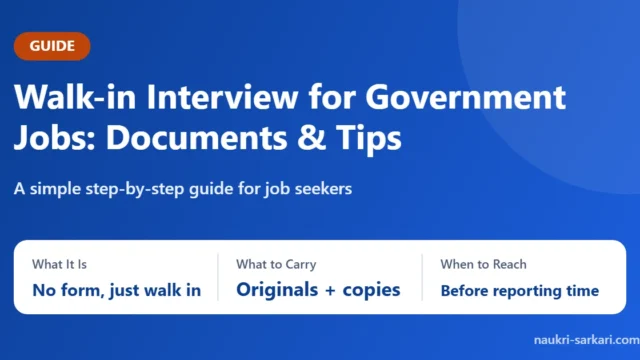
After the last date, the organisation checks the applications and later releases admit cards, exam dates and results on its website. Some, like DU in its DU Assistant Recruitment 2026 advertisement, hold a preliminary test first and a main exam later. Keep your registration number and password safe, and check the official site and our Admit Card and Result sections regularly. If a post has a walk-in interview instead of an online form, read our guide on walk-in interviews for government jobs.
FAQs
Can I edit my government job form after final submission?
It depends on the organisation. Some open a correction window for a few days; others do not allow any change. Check the notification before you submit.
What if my fee is deducted but the status shows unpaid?
Do not pay again immediately. Wait for the time given on the portal, check the payment status option, and contact the helpdesk or email given in the notification with your transaction ID.
Which document is used as proof of date of birth?
In most recruitments the Class 10 certificate or mark sheet is accepted as proof of date of birth. Follow the notification if it says something else.
Do I need to send a printout of the online form by post?
Usually not, unless the notification asks for it. Keep the printout for document verification.
Where can I find new government jobs to apply for?
You can check the Latest Jobs section on naukri-sarkari.com, where each post gives the dates, eligibility and the official apply link.