How to Check Result by Roll Number in a PDF: Full Guide
Many government recruitment bodies and universities publish results as a long PDF of roll numbers instead of a login page. If you want to know how to check result by roll number in such a PDF, this guide walks you through it on a computer and on a phone, explains what to do when the search does not work, and lists the mistakes that make candidates think they have failed when they have not.
A fresh example is the BPSC Prosecution Officer Result 2026 Out: 3175 Qualify for Mains, where the commission released a roll number-wise list of successful candidates. Several university retotalling results in today’s University & Board Exam Updates: 25 November 2026 work the same way.
What a Roll Number-wise Result PDF Is
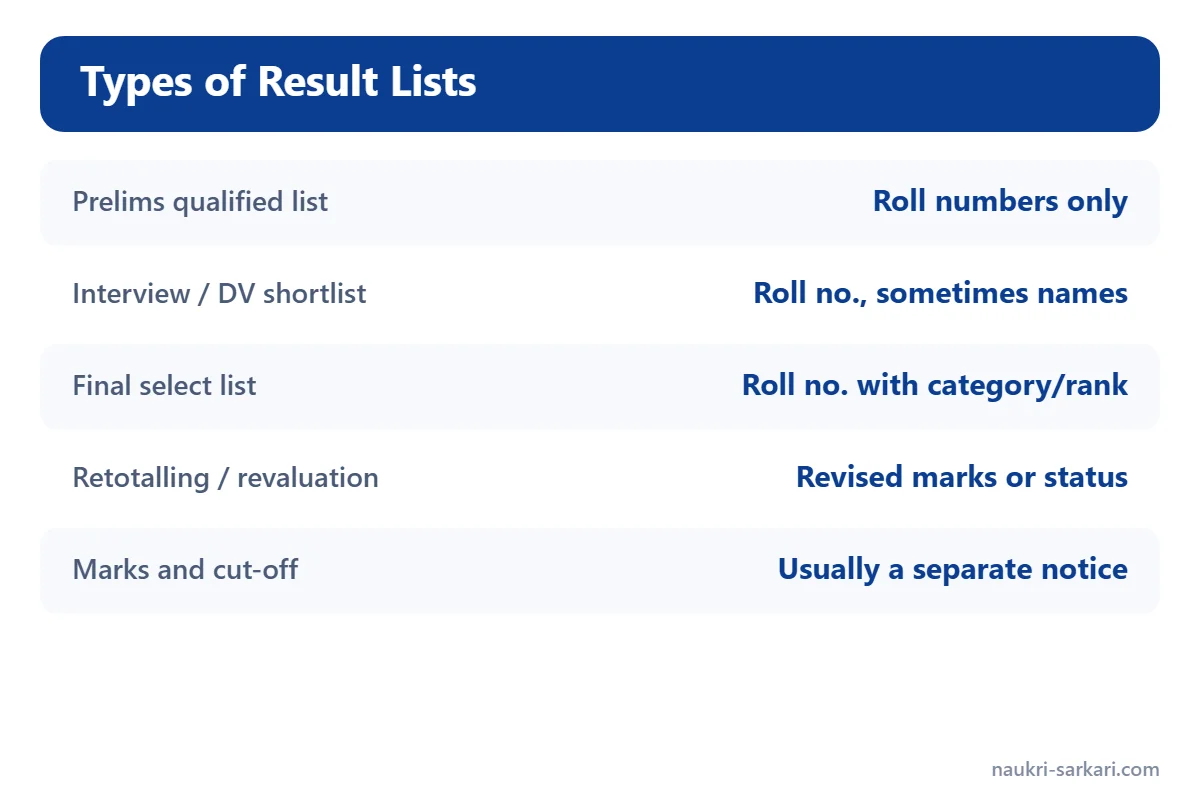
In a roll number-wise result, the organisation lists only the roll numbers of candidates who have passed or qualified for the next stage. The numbers are usually arranged in increasing order, row by row from left to right. Names, marks and categories are often left out to keep the list short. If your roll number is in the list, you have qualified. If it is not, you have not qualified for that stage.
| Type of list | What it shows | What it means for you |
|---|---|---|
| Prelims qualified list | Roll numbers only | You can appear in the mains or next stage |
| Shortlist for interview or DV | Roll numbers, sometimes names | You are called for interview or document verification |
| Final result / select list | Roll numbers, often with category or rank | You are recommended for appointment, subject to checks |
| Retotalling / revaluation result | Roll numbers with changed marks or status | Your marks or result may have been revised |
How to Check Result by Roll Number on a Computer
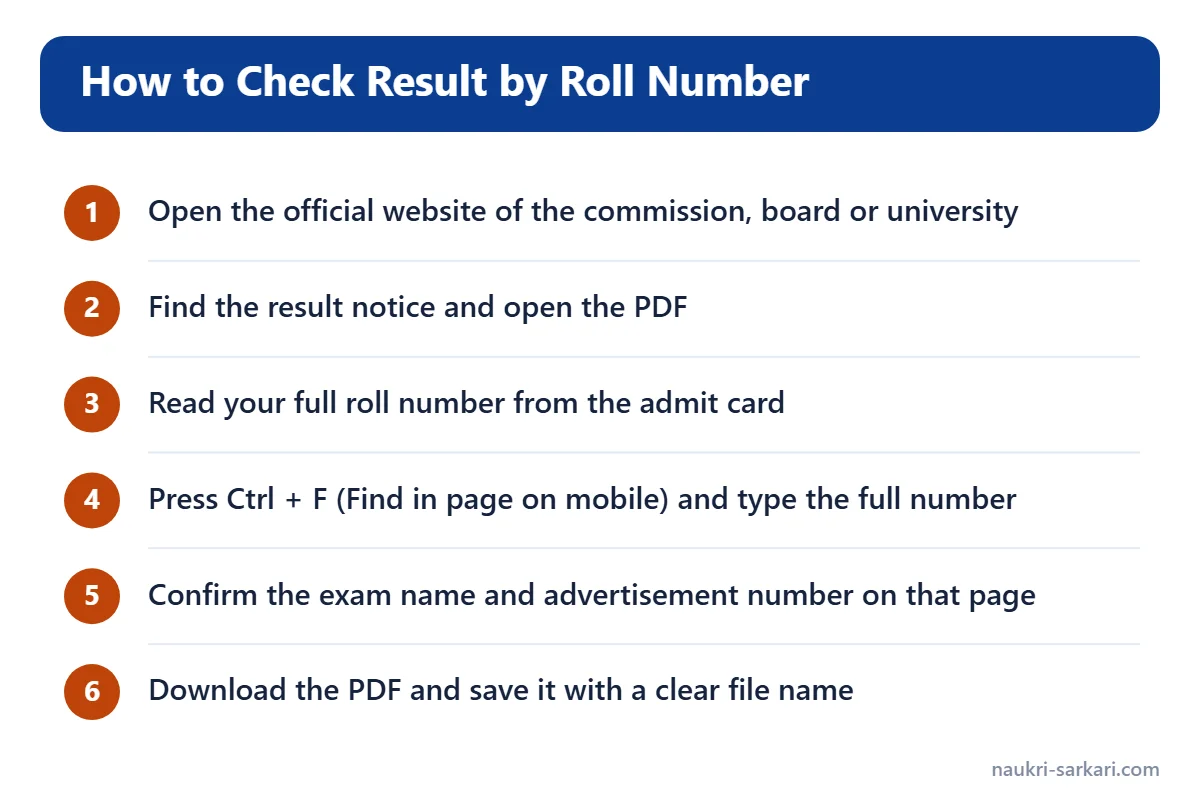
- Open the official website of the commission, board or university. Do not rely on forwarded PDFs from groups; they can be old or edited.
- Find the result notice in the “Latest Updates”, “Results” or “Notices” section and open the PDF.
- Keep your admit card in front of you and read your full roll number.
- Press Ctrl + F (Cmd + F on a Mac) and type the complete roll number without spaces.
- If the number is highlighted, check the heading of that page to confirm it is the right exam and advertisement number.
- Download the PDF and save it with a clear file name, for example “prelims-result-2026.pdf”.
How to Search a Result PDF on Mobile
On Android, open the PDF in Google Drive or any PDF reader, tap the three-dot menu and choose “Find” or the search icon. On an iPhone, open the PDF in Files or Safari, tap the search icon and type your roll number. If the PDF opens inside the browser and there is no search option, download it first and open it in a PDF app.
What If Ctrl + F Does Not Find Anything?
This is the most common problem, and it often does not mean you have failed. Many result PDFs are scanned images of a printed list. A scanned page looks like text but the computer sees only a picture, so the search box finds nothing at all, not even roll numbers that are clearly on the page.
Here is how to tell and what to do:
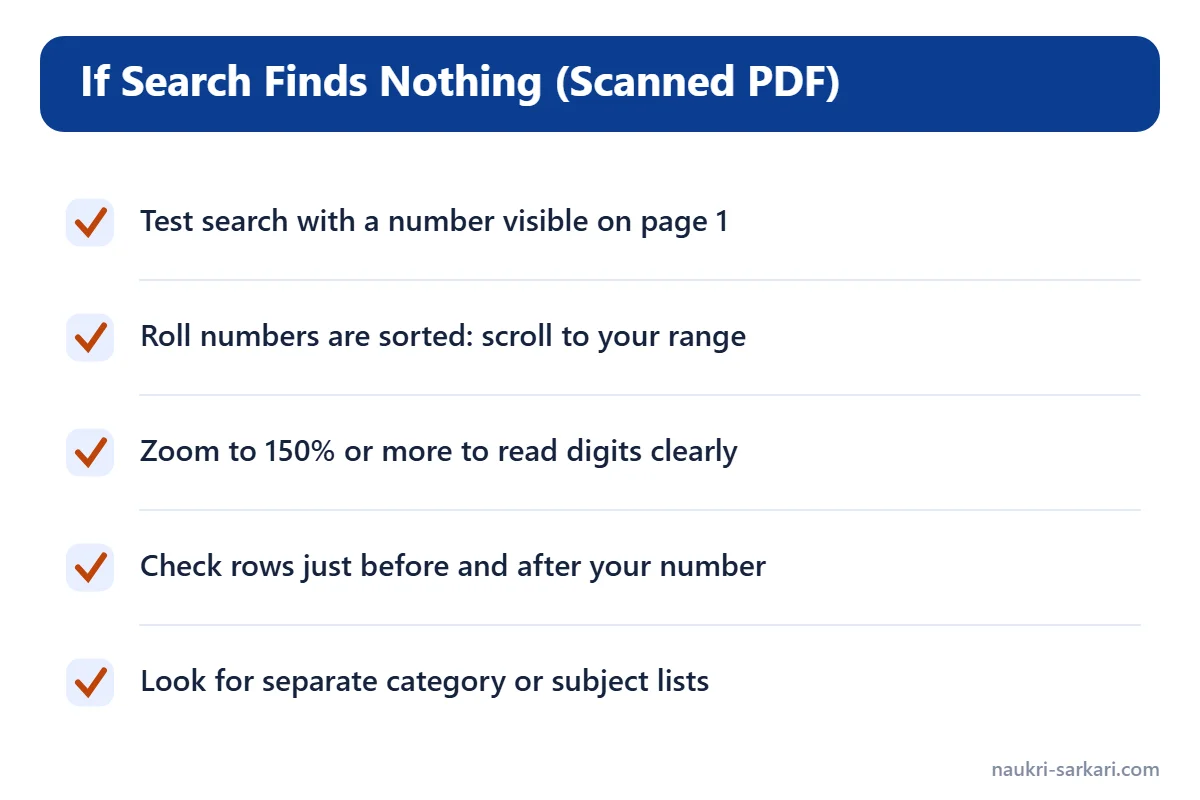
- Search for a number you can see on the first page. If even that is not found, the PDF is scanned.
- Since roll numbers are sorted in increasing order, scroll to the page where numbers close to yours appear and read that page carefully.
- Zoom in to at least 150% so similar digits such as 3 and 8, or 1 and 7, are not mixed up.
- Check the rows just before and after the place where your number should be.
Common Mistakes to Avoid
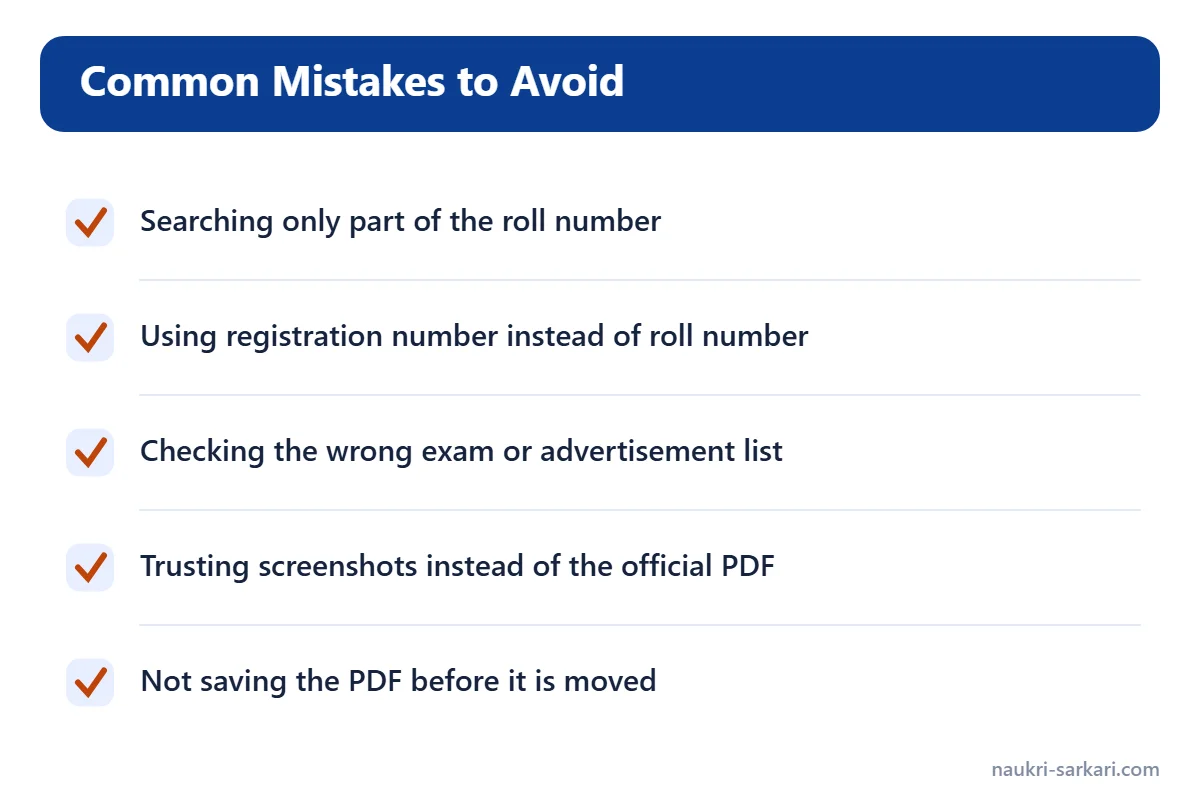
- Searching only part of the roll number. A short search matches many numbers. Always type the full number.
- Using the registration number instead of the roll number. Most result lists use the roll number printed on the admit card.
- Checking the wrong list. Organisations often release several results on the same day. Match the exam name and advertisement number.
- Trusting a screenshot. Screenshots shared on social media may be cut off or edited. Always open the official PDF yourself.
- Not saving the PDF. Old notices are sometimes moved or archived when new ones are added.
What to Do After You Find Your Roll Number
Read the full notice, not only the list. The first or last page often has important instructions: the date of the next stage, a form to fill, documents to upload, or a fee to pay. Note these dates in your calendar at once. If you are called for document verification, our Document Verification for Government Jobs: Full Checklist explains what to carry.
Keep the same approach for future recruitments too. For instance, candidates who apply in SBI SCO Data Scientist Recruitment 2026: 20 Posts, Apply by 10 Dec should expect the bank to publish shortlists and results only on its official careers page, so knowing how to read such lists quickly will help.
What If Your Roll Number Is Not in the List?
- Search again carefully, especially if the PDF is scanned.
- Check whether there is a separate list for your category, subject or centre.
- Look for a cut-off or marks notice, which is often released a few days later.
- For university exams, read the notice about retotalling or revaluation and apply within the given dates if you think there is an error.
- Keep checking the official site. Corrigenda and revised results are posted there first.
Frequently Asked Questions
Why does the result PDF not show my marks?
Many commissions release only the list of qualified roll numbers first. Marks and cut-offs are usually published later in a separate notice.
Can I check the result by name instead of roll number?
Only if the PDF includes names. Most prelims lists do not, so the roll number is the reliable way.
Ctrl + F finds nothing even for numbers I can see. Is the file broken?
No. It is almost certainly a scanned PDF. Scroll to the right range of numbers and read the page manually.
Is a result PDF shared on WhatsApp valid?
Treat it only as an alert. Always confirm on the official website before you act on it.
Where can I find more results in one place?
See our Result section and the daily university and board roundup.