UP Police Constable 2025 Normalised Score Link Out: How to Check
Short Info: UPPRPB has opened the link to see normalised marks for the Constable Civil Police and equivalent direct recruitment 2025 (32,679 posts). The link works from 16 November to 15 December 2026, and the marks reach the candidate on the registered e-mail ID.
Job at a Glance
- Organization
- Uttar Pradesh Police Recruitment and Promotion Board (UPPRPB)
- Post Name
- Constable Civil Police and Equivalent
- Total Vacancies
- 32,679
- Job Location
- Uttar Pradesh
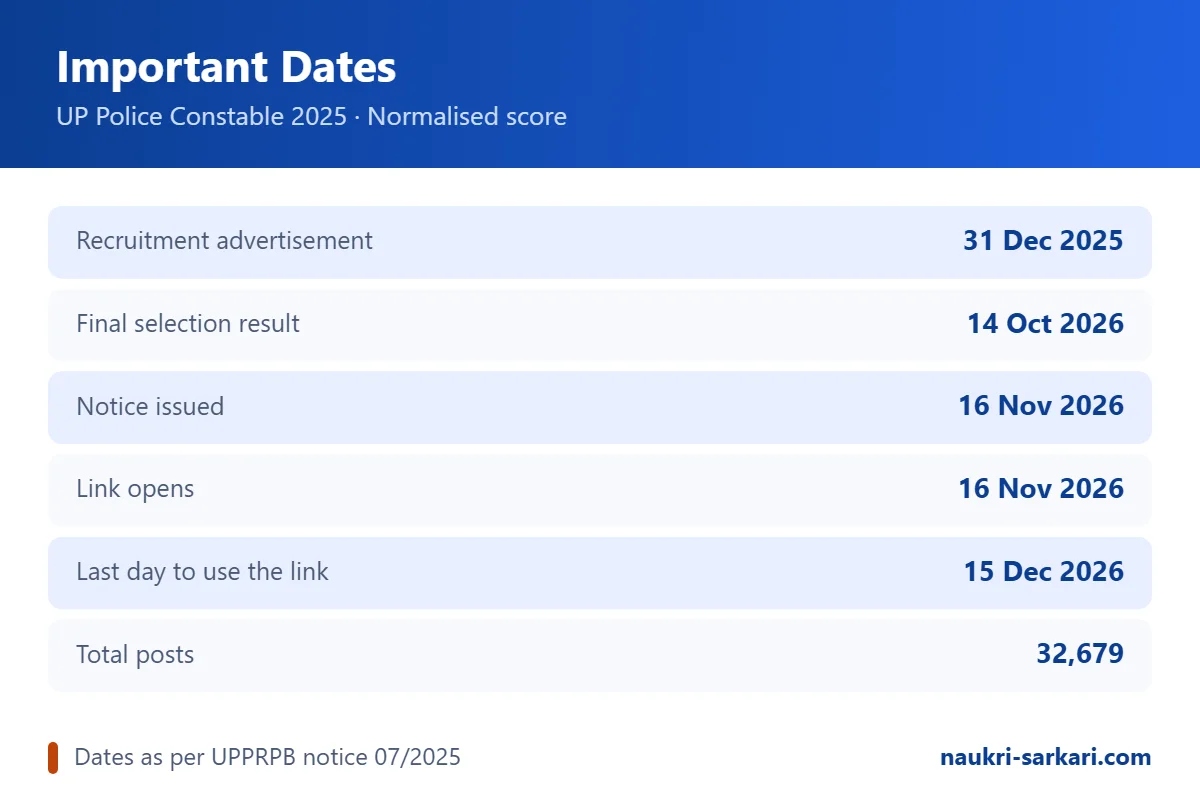
Important Dates
- Recruitment advertisement31 December 2025
- Final selection result declared14 October 2026
- Normalised score notice issued16 November 2026
- Link opens16 November 2026
- Last day to use the link15 December 2026
The Uttar Pradesh Police Recruitment and Promotion Board (UPPRPB) has opened the link through which candidates can see their normalised marks for the Constable Civil Police and equivalent posts direct recruitment 2025. The board issued the notice on 16 November 2026, and the link stays open until 15 December 2026.
This recruitment was advertised on 31 December 2025 for a total of 32,679 posts, and the board declared the final selection result on 14 October 2026. The normalised score is the last piece of information still pending for candidates who appeared in the written examination.
UP Police Constable Normalised Score 2026: Key Highlights
| Board | Uttar Pradesh Police Recruitment and Promotion Board (UPPRPB) |
| Recruitment | Constable Civil Police and equivalent posts, Direct Recruitment 2025 |
| Notice number | PRPB-B (Arakshi PAC evam Anya Samvarg) 07/2025 |
| Notice date | 16 November 2026 |
| Total posts | 32,679 |
| Advertisement dated | 31 December 2025 |
| Final result declared | 14 October 2026 |
| Normalised score link open | 16 November 2026 to 15 December 2026 |
| Login details needed | Registration number and date of birth |
| Official website | uppbpb.gov.in |
What the Board Has Announced
In its notice the board says that the link to obtain normalised marks will be available for every candidate who took part in this recruitment, from 16 November 2026 to 15 December 2026. Once that period is over the facility closes automatically.
The board has added one exception. In special circumstances, if a candidate applies to the board after the window has closed, the board may send the normalised marks to the candidate by e-mail.
Important Dates
| Event | Date |
| Recruitment advertisement | 31 December 2025 |
| Final selection result declared | 14 October 2026 |
| Normalised score notice issued | 16 November 2026 |
| Link opens | 16 November 2026 |
| Last day to use the link | 15 December 2026 |
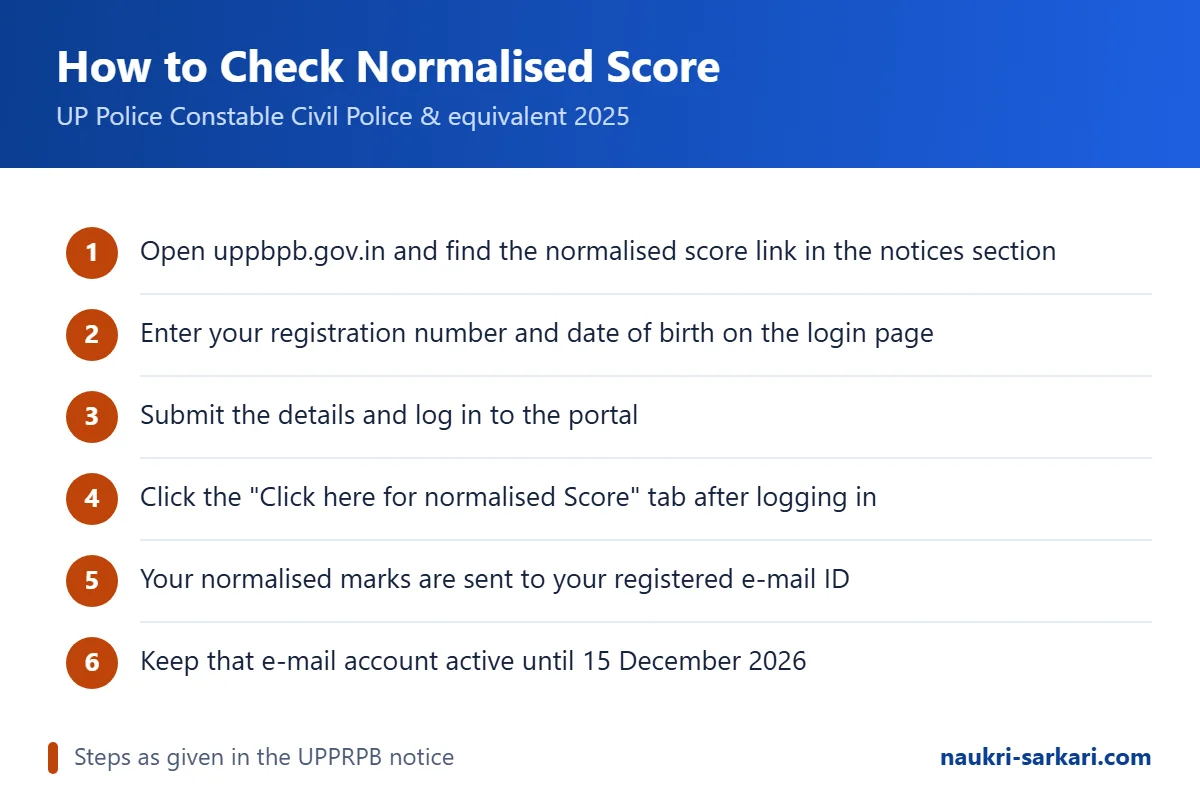
How to Check Your UP Police Constable Normalised Score
The board has explained the process in its notice. Follow these steps:
- Open the official website of the board, uppbpb.gov.in, and find the normalised score link in the notices section.
- On the login page, enter your registration number and your date of birth.
- Submit the details and log in to the portal.
- After you log in successfully, click on the tab that reads "Click here for normalised Score".
- Your normalised marks are then sent to the e-mail address you registered with during the application.
- Open that e-mail account and save or print the marks for your record.
Because the marks reach you by e-mail and not on the screen, the board has advised every candidate to keep the registered e-mail account active during this period.
Keep These Ready Before You Log In
- Your registration number from the 2025 application form.
- Your date of birth exactly as it appears on that form.
- Access to the e-mail account you registered with.
- A stable internet connection, since the link closes after 15 December 2026.
What Is a Normalised Score?
When an examination is held in more than one shift, the question papers in different shifts are never exactly equal in difficulty. Normalisation is the statistical method boards use to adjust for that difference, so that a candidate is neither helped nor harmed by the shift they happened to sit in. The number you see after normalisation is your normalised score, and it is the figure used for merit, not your raw marks.
If you want to understand what this number actually means before you look at it, read our guide on normalisation of marks in government exams.
If the Link Does Not Open
The board has said that a candidate who runs into a technical difficulty while trying to see the normalised marks can report the problem through the helpdesk number given on the portal. Use that route rather than any unofficial number, and check that your registration number and date of birth are entered exactly as they were in the application form.
A Word of Caution
Only the board's own website and the portal it links to are official. No agency or individual can change a normalised score, and the board charges nothing for showing these marks. Treat any message that asks for money or personal passwords as fraudulent.
Important Links
- Check Normalised Score (Candidate Login) Click Here – Check Normalised Score (Candidate Login)
- Official Notice (16 November 2026) Click Here – Official Notice (16 November 2026)
- Official Website Click Here – Official Website
- Full details in Hindi (PDF) 308 KB Download PDF – Hindi PDF
Frequently Asked Questions
Till when can I check my UP Police Constable normalised score?
The link stays open from 16 November 2026 to 15 December 2026. After that date the facility closes on its own.
What do I need to log in?
Your registration number from the 2025 application form and your date of birth, entered exactly as they appear on that form.
Where do the normalised marks appear?
After you log in and click the "Click here for normalised Score" tab, the marks are sent to the e-mail ID you registered with, so keep that account active.
How many posts were there in this recruitment?
The advertisement dated 31 December 2025 was for 32,679 posts, and the final selection result was declared on 14 October 2026.
What if the link shows an error?
The board has said that a candidate facing a technical difficulty can report it on the helpdesk number given on the portal.